Expense report template

Expense report templates.

Download a clean XLSX for reimbursements, travel, mileage, contractor, project, or restaurant expenses.

Clean layoutDownload directly
Fill from filesReceipts, PDFs, photos
Export to ExcelXLSX you can use
Basic expense report
XLSX12 variantsTemplate fill
Basic expense report preview

A source-based small business expense report with employee details, pay period, category totals, advances, and reimbursement total.

XLSX templates

Expense report templates

Pick the layout that matches how you track expenses.

Basic expense report preview

Basic expense report

Built-in

A source-based small business expense report with employee details, pay period, category totals, advances, and reimbursement total.

Monthly expense report preview

Monthly expense report

Built-in

A source-based monthly expense workbook with a YTD summary, 12 monthly tabs, income categories, expense categories, and annual totals.

Weekly expense report preview

Weekly expense report

Built-in

A source-based weekly expense report with week dates, submitter and manager details, employee-paid expenses, company-funded expenses, mileage, advances, and approval.

Travel expense report preview

Travel expense report

Built-in

A source-based travel expense report with travel dates, route, purpose, submitted-by and manager details, mileage reimbursement, travel categories, advances, and approval.

Business mileage expense report preview

Business mileage expense report

Built-in

A source-based mileage expense report with statement period, reimbursement rate, route, purpose, vehicle type, odometer readings, total miles, total reimbursement, and approval.

Contractor expense report preview

Contractor expense report

Built-in

A source-based contractor expense report with project role, pay period, project name, project ID, purpose, VAT, advances, approval, and notes.

Project expense report preview

Project expense report

Built-in

A source-based project expense report with project name, client name, reporting period, employee details, payment method, vendor, category, reimbursement total, and signatures.

Event expense report preview

Event expense report

Built-in

A source-based event budget and expense report with projected vs actual costs, event revenue, profit summary, category totals, comments, and charts.

Advance reimbursement report preview

Advance reimbursement report

Built-in

A source-based advance reimbursement report with weekly expense categories, mileage, business entertainment detail, less cash advance, company card charges, amount due employee, and payment approval.

Construction expense report preview

Construction expense report

Built-in

A source-based construction expense report with general information, construction expense, other expense, expense number, house number, amount, subtotal, advances, total, approval, and notes.

Restaurant expense report preview

Restaurant expense report

Built-in

A source-based restaurant expense report with general information, purpose, guests, restaurant, approved by, meal and drink costs, comments, advances, total, approval, and notes.

Business travel expense report preview

Business travel expense report

Built-in

A source-based business travel expense report with airfare, lodging, ground transportation, meals and tips, conferences, miles, mileage reimbursement, miscellaneous costs, currency exchange, totals, approval, and notes.

Real sample

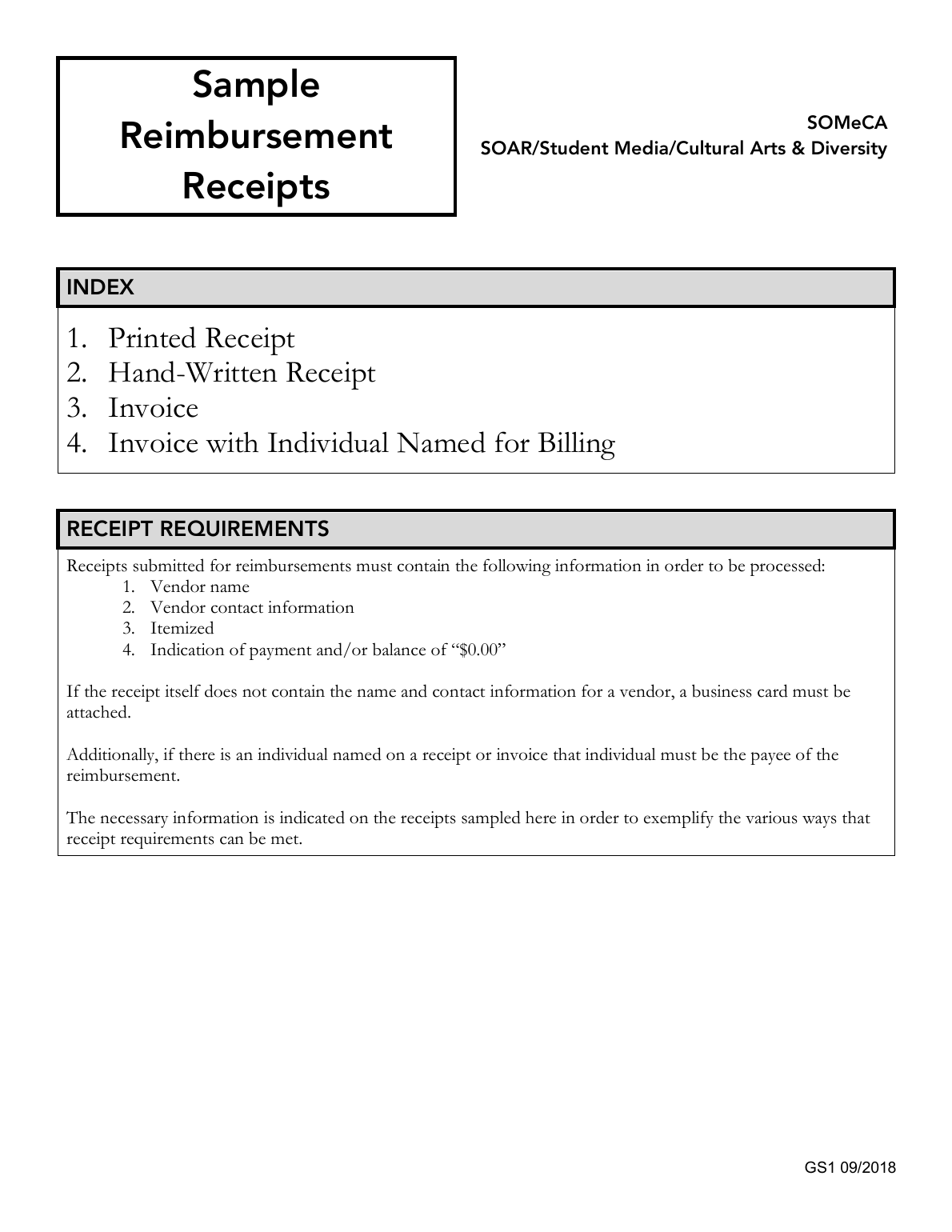
A public reimbursement packet becomes review-ready template rows.

This proof uses UCSC's public sample reimbursement receipts PDF. Messy2Sheet filled a Basic Expense Report workbook with one row per sample receipt type, kept missing expense dates, payees, vendors, amounts, and currency blank, and moved policy issues into review fields instead of inventing a cleaner ledger.

Source examples
4
Review rows
4
Follow-up rows
2
Invented amounts
0
UCSC public sample reimbursement receipts packet
Source packet: printed receipt, hand-written receipt, invoice, and named-billing invoice examples.View source text
Proof table

Generated reimbursement review rows

The result separates visible evidence from approval decisions. Missing business values stay blank, while follow-up requirements remain visible for finance review.

receipt typeevidence statustemplate behavior
Printed receiptEvidence shownVendor, itemized detail, and payment evidence are marked present.
Hand-written receiptFollow-up requiredBusiness-card requirement stays in required_follow_up.
InvoiceEvidence shownInvoice evidence is mapped without inventing reimbursement amounts.
Named billing invoicePayee review requiredBilling-name mismatch is kept as a review issue, not an approval decision.
Fill the template

Fill from messy files.

The form is already set to template mode with Basic expense report. Add receipts, PDFs, screenshots, or notes, then create a workbook from the selected layout.

Common columns
Employee detailsPay periodBusiness purposeExpense dateExpense descriptionCategory amountsCategory totalsAdvancesTotal reimbursementOffice review
Basic expense report

Upload receipts or paste expense notes. The selected template is already attached.

  1. 1Source
  2. 2Instructions
  3. 3Create
Source
Template

Choose one, or upload CSV/XLSX.

Creates an Excel workbook from the selected expense report template.

FAQ

Questions

What is an expense report template?

An expense report template is a spreadsheet layout for reimbursement rows such as date, claimant, category, vendor, amount, receipt number, payment method, and notes.

Can I fill the template from receipts or screenshots?

Yes. Upload receipts, screenshots, PDFs, or pasted expense notes and Messy2Sheet will try to fill the selected Excel template with structured rows.

Can I download the expense report template?

Yes. The built-in templates are downloadable XLSX files. You can also use them directly with your uploaded files.

Can I use my own company expense report format?

Yes. In the template mode, upload your own CSV or XLSX template and use it as the target shape for the generated spreadsheet.